⭐ 4.9/5 Rating — 50,000+ Compressed
PDF to PDF Merge 100KB Online
PDF to PDF Merge 100kb online for free. Simply drop your File below to merge them in seconds.
- Free Compressor
- Instant Download
Why ConvertPNGtoJPG.in?
Fast Image Compressor
Using the latest technologies, we process the compression in your browser, saving you time by skipping the upload.
Private & Secure
We can’t store or see your images as they are processed directly in your browser – no uploads to our server.
Batch-Compress PNG
Compress your images individually or process multiple files in bulk to speed things up.
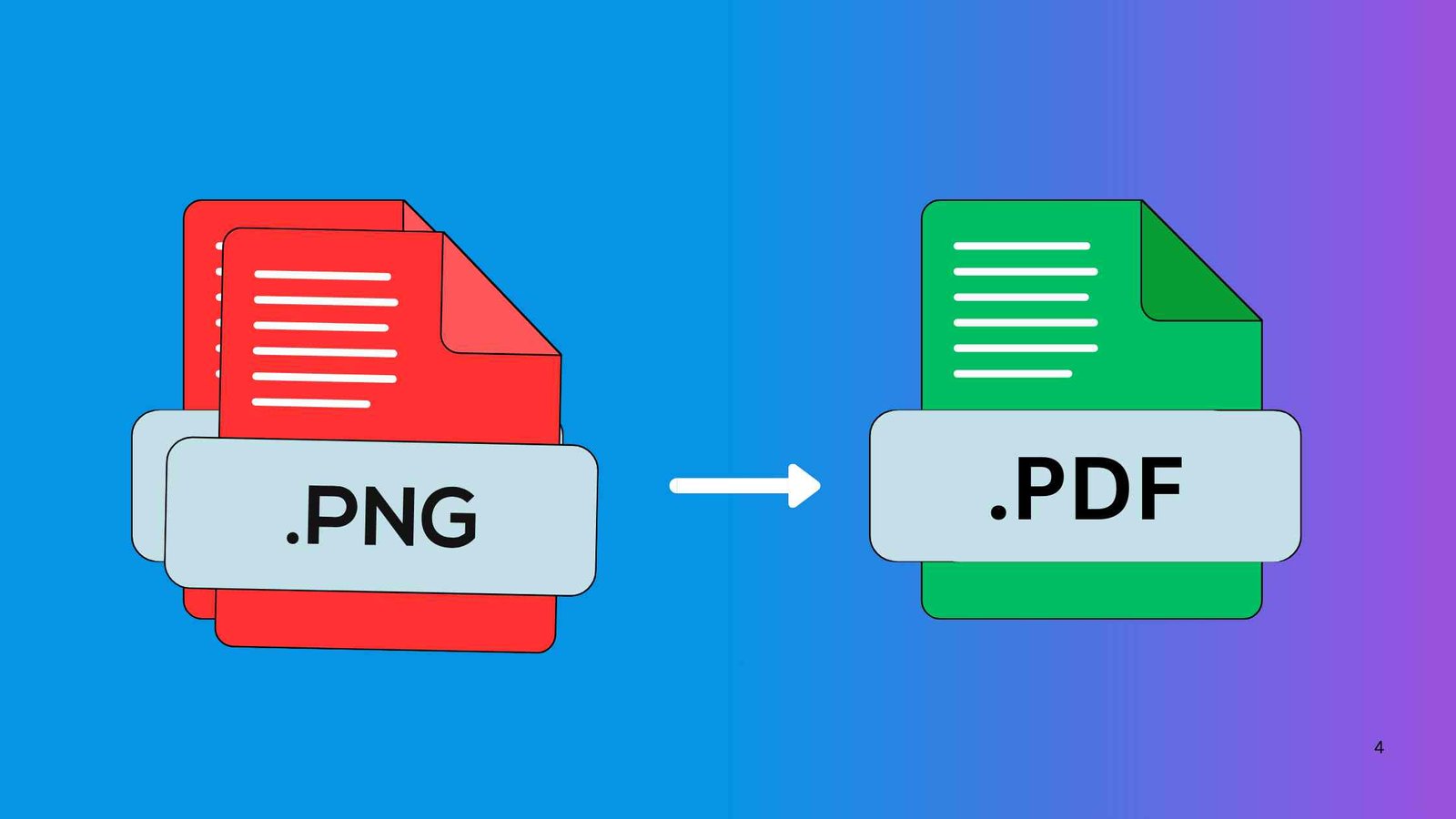
Free PDF to PDF MERGE 100KB
Easily PDF to PDF Merge 100KB online instantly and effortlessly. No need for any software or plugins for your Merge file. Just upload your PDF File to our Tool, and get a merged file in seconds without noticeable quality loss
How To Convert PDF to PDF Merge 100KB Online
1. Upload your PDF
Choose and upload the PDF you want to Merge. You can either click the upload button or drag and drop your file into the box.
2. Start Compression
After uploading your PDF file, click on the “MERGE” button. The online merger will automatically process your file.
3. Download your File
Once the process is finished, click on the “Download” button to save your new PDF Merged file to your device.
Other compressors
Frequently Asked Questions
Yes, but the more files you merge, the harder it is to stay under 100KB. The tool will compress heavily if needed.
Yes, slight quality loss is possible because the tool compresses the final file to stay under 100KB. Text remains readable.
YES, Our Online Merger is most trusted platforms & its use encryption and auto-delete files.
No. Pages are merged in the exact order you upload them. You can rearrange pages before merging if the tool allows.
Yes, unless the original files already had conflicting numbering. You can add new numbering after merging.