⭐ 4.9/5 Rating — 50,000+ Conversions

SVG to JPG Converter

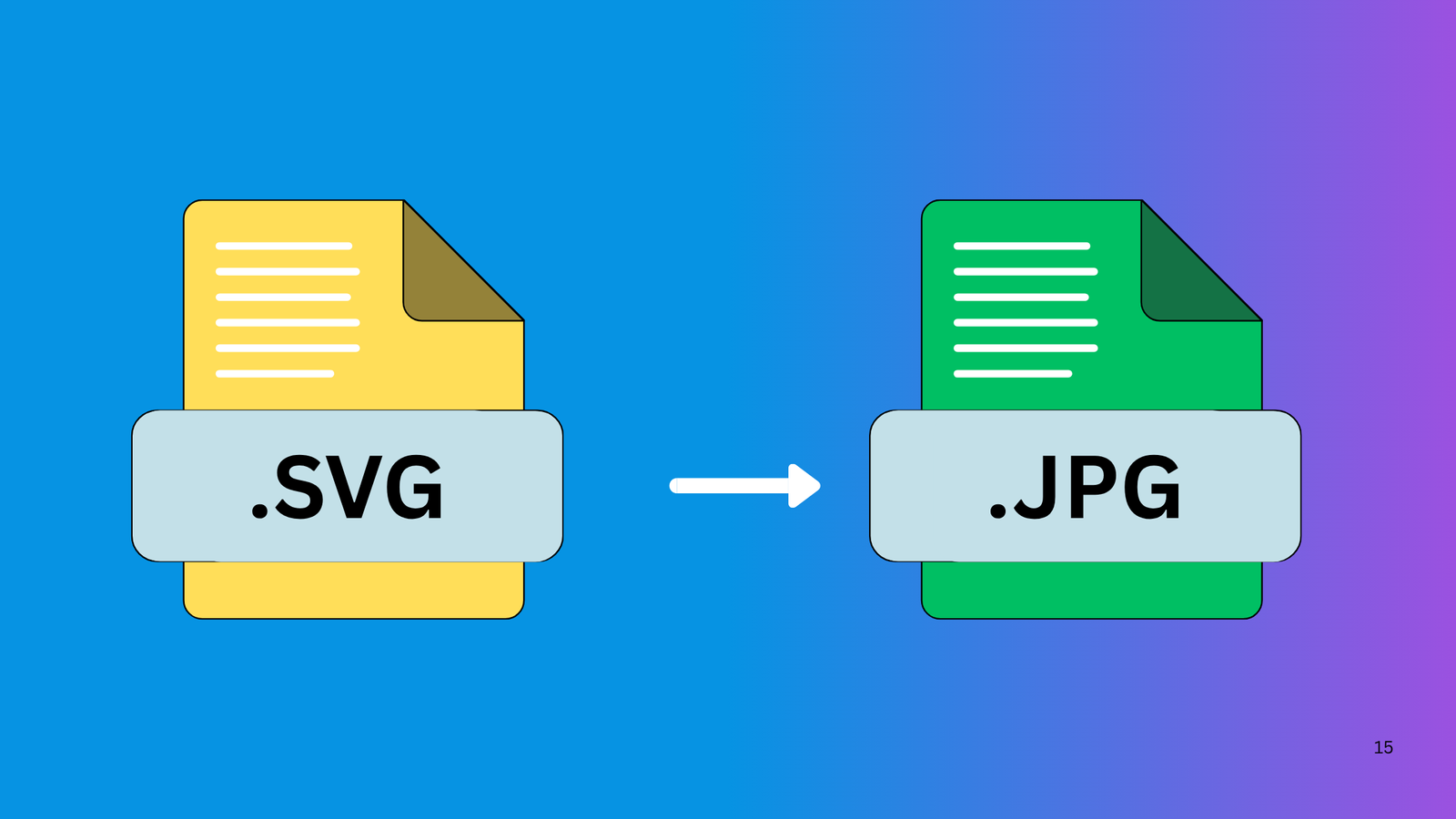
Convert SVG to JPG online for free. Simply drop your SVG Files below to convert them to JPG in seconds.

Why ConvertPNGtoJPG.in?

Fast PNG Conversion

Using the latest technologies, we process the conversion in your browser, saving you time by skipping the upload.

Private & Secure

We can’t store or see your images as they are processed directly in your browser – no uploads to our server.

Batch-Convert PNG

Convert your PNG images to JPG individually or process multiple files in bulk to speed things up.

Convert SVG to JPG

Free SVG to JPG Online Converter

Easy to convert SVG to JPG online instantly effortlessly. No need for any installation or plugins for your JPG image conversion. Just drop your SVG File into our converter, and you can get your JPG file in seconds without losing quality.

How To Change SVG to JPG

1. Upload your SVG file

Choose and upload the SVG File you want to convert. You can either click the upload button or drag and drop your file into the box.

2. Start Conversion

After uploading your SVG file, click on the “Convert” button. The converter will automatically process your File and change it into JPG format.

3. Download your JPG file

Once the conversion is finished, click on the “Download” button to save your new JPG image to your device.

Other Convertors

Frequently Asked Questions

Is this SVG to JPG converter free to use?

Yes! Our tool is completely free. You can convert unlimited SVG Files to JPG with no hidden charges, no signup, and no watermark.

Are my Files safe after uploading?

Absolutely. Your Files are processed securely in your browser or on our encrypted servers. We do not store, share, or use your files. All uploads are automatically deleted shortly after conversion.

Will the SVG lose quality after conversion?

Yes, slightly. JPG is a compressed format, so the image may lose some sharpness compared to the vector-based SVG.

Can I convert SVG files to JPG on my mobile?

Yes! Our online SVG to JPG converter works on all devices, including Android, iPhone, tablets, and PCs—no app download required.

What is the maximum file size I can upload?

We support large image uploads. You can convert files up to 300 MB (replace with your platform’s limit). If the file is too large, try compressing or resizing the image first.

Scroll to Top